
Scan.
Walk a room with LiDAR. RoomPlan builds an accurate floor plan in minutes, on an iPhone or iPad that has the sensor.
LiDAR floor plans for the trades
Scan a room with LiDAR, tag walls for removal, water damage, or ACM, and export a branded floor plan PDF your crew and clients can use. Built for trades in the field.
Scanning requires an iPhone or iPad with LiDAR, on iOS 18 or later. Supported devices
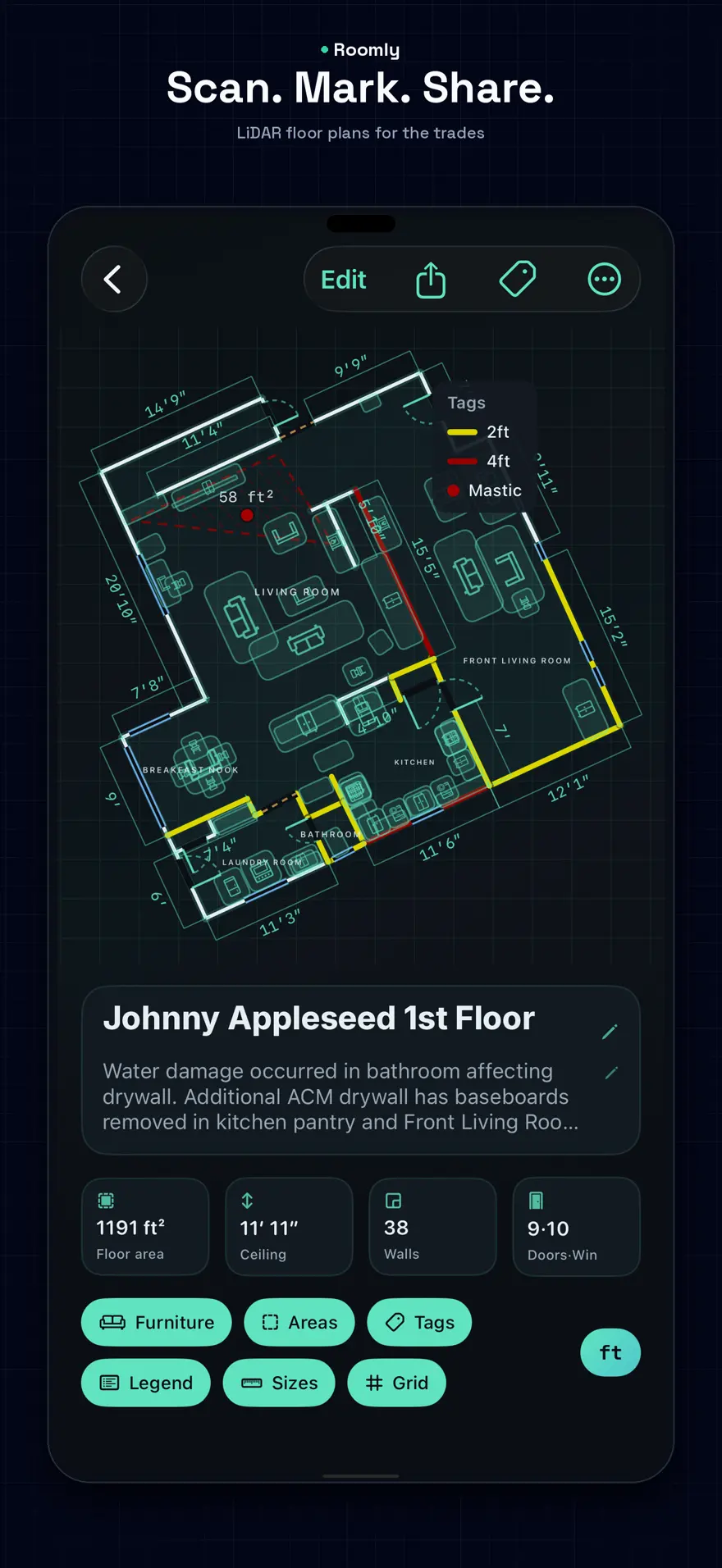
Scan a room, mark the work, and hand the plan to the people who need it.
Walk a room with LiDAR. RoomPlan builds an accurate floor plan in minutes, on an iPhone or iPad that has the sensor.
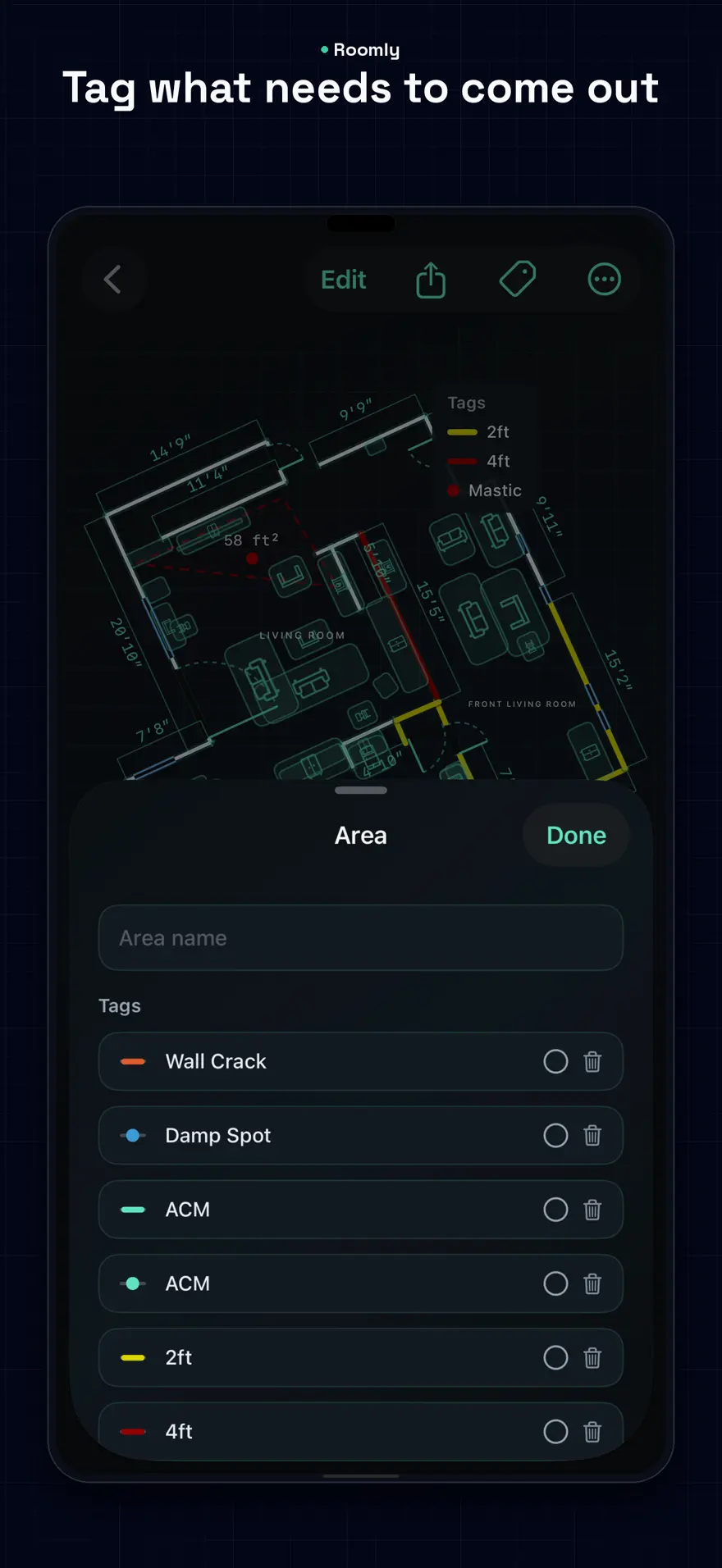
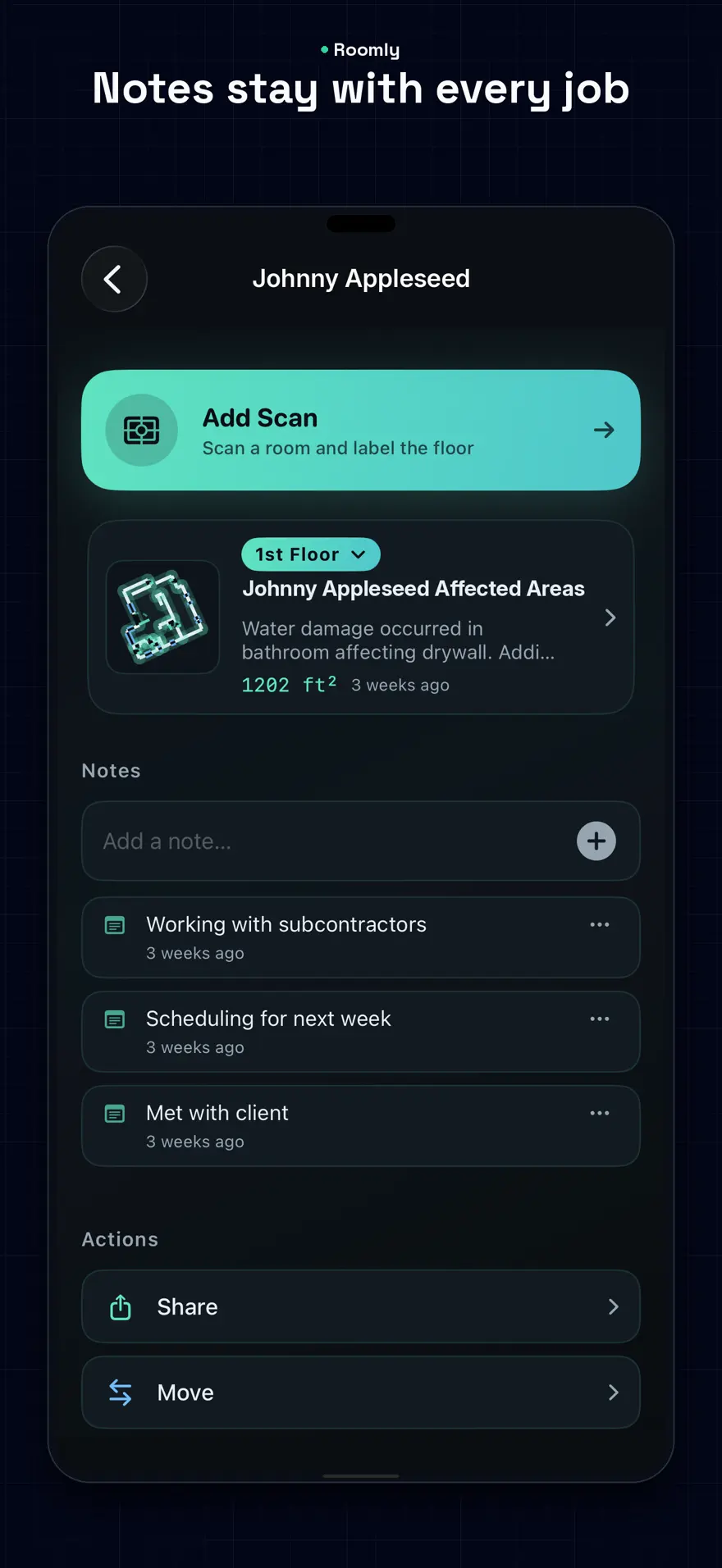
Tag walls and areas — removal, water damage, ACM, 2 ft and 4 ft flood cuts — and keep notes on the job.
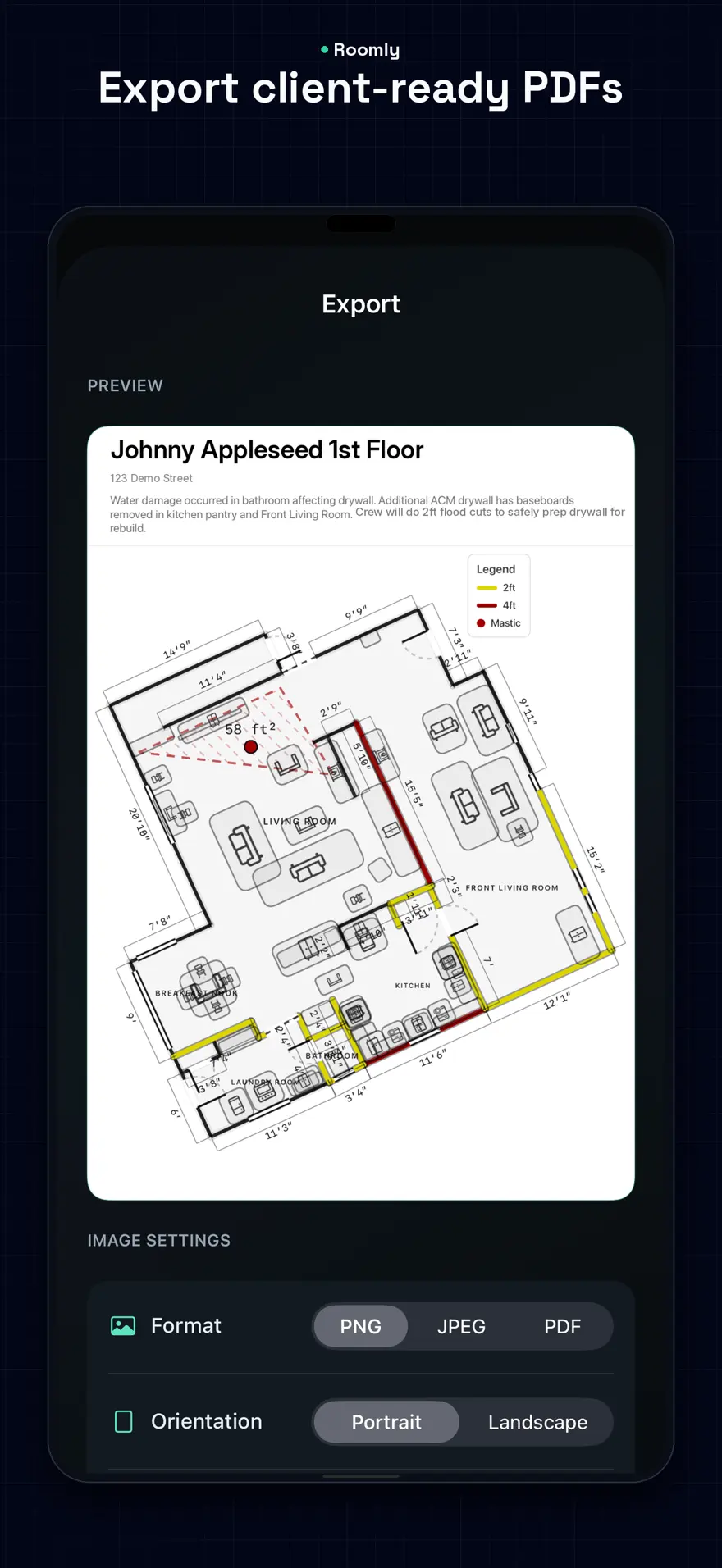
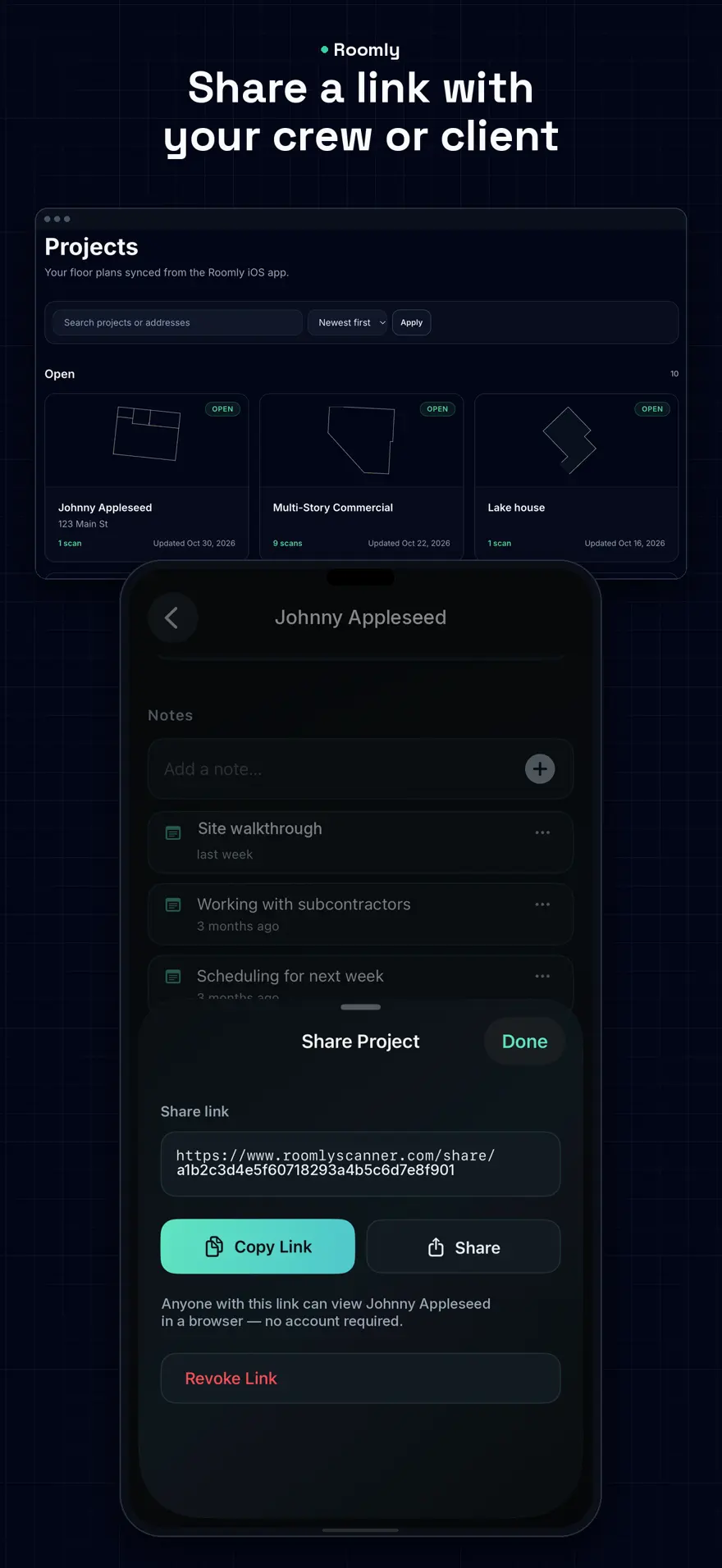
Export a branded PDF, PNG, or JPEG, or send a view-only link. Crew and clients open it with no account.
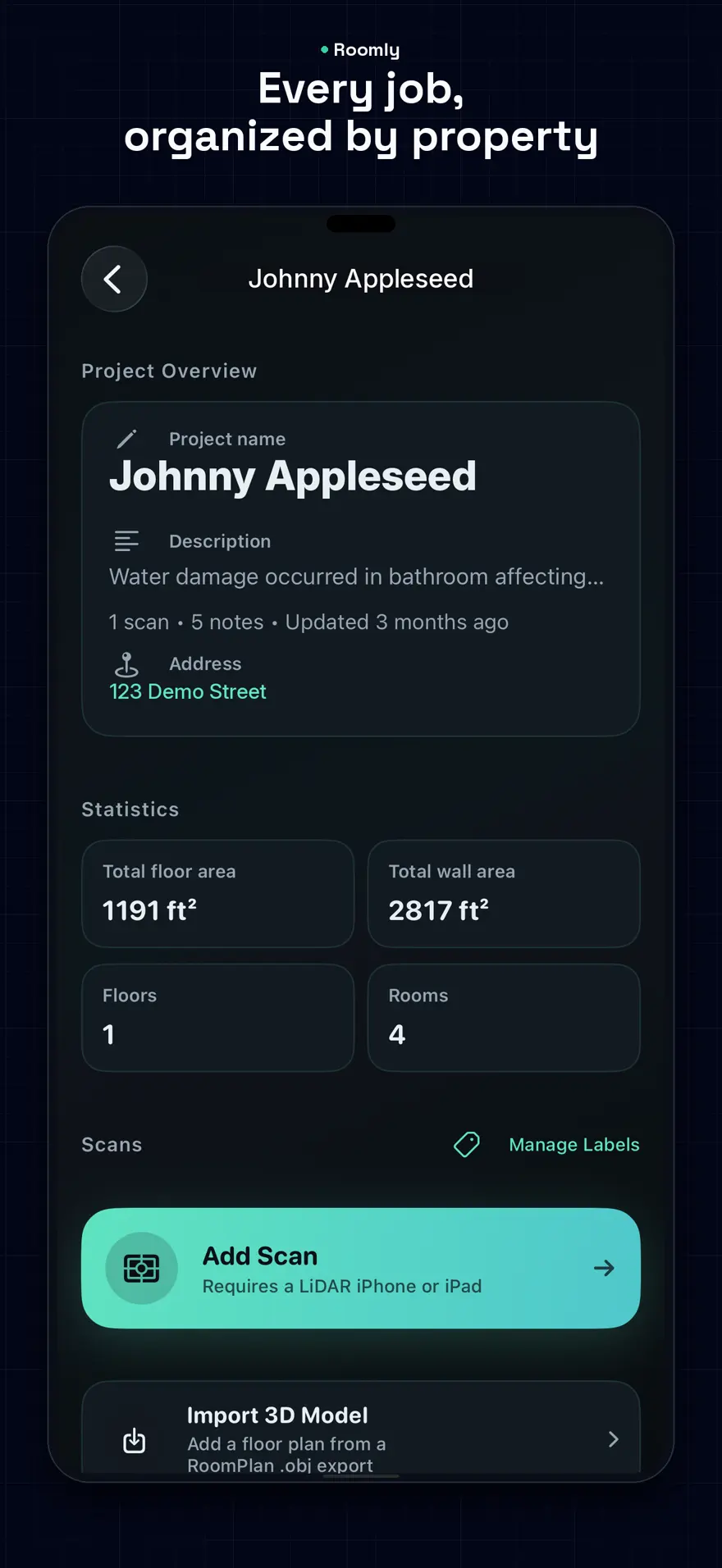
Jobs stay organized by property. The same plans open on the phone and on the web. You get the measurements you need to build your estimate.
Capture the plan on site and mark the walls that come out before the crew starts.
Show water damage and flood-cut lines on the floor plan, with the notes still attached.
Mark ACM and other removal areas so the scope is visible on the plan you hand off.
Keep every room with its property, then send a branded plan the client can open.
Scroll sideways to see scan, tags, export, properties, sharing, and notes.
A silent 22-second preview of Roomly on iPhone. It plays when you reach it, and you can pause it any time.
The app includes a free set of scans. Pro unlocks unlimited scans for crews who document job after job. Subscriptions are billed by Apple through the App Store.
U.S. App Store prices. Works on the phone and on the web for viewing, organizing, and sharing.
Monthly
$19.99
per month
Yearly
$199.99
per year